Pain points & high-frequency scenarios
What shoppers actually struggle with
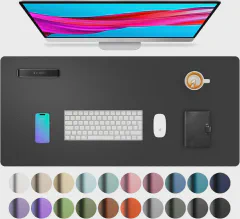
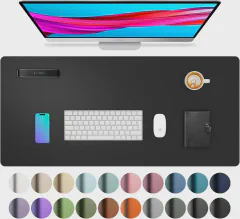
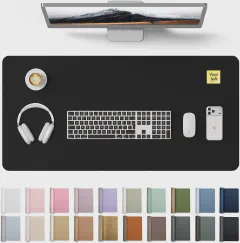
- Aothia PU leather desk pad is faux leather, not genuine — initial chemical smell off-gasses for the first week per some reviewers
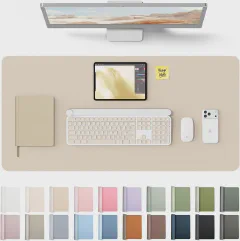
- Smaller Aothia desk pad (23.6 x 13.7") doesn’t fit a full-size laptop alongside keyboard and mouse — buyers wanting a complete setup size up
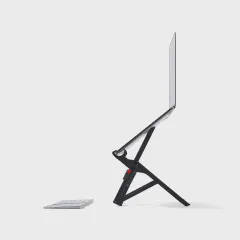
- Hotel desks are 24" deep and crowded — laptop stand, mouse, and monitor have to collapse to a single carry bag
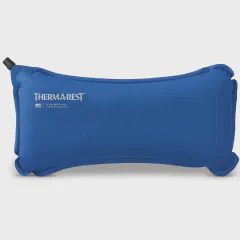
- Frequent flyers on red-eyes develop lower-back pain from hotel mattresses — portable lumbar rolls and travel seat cushions are daily-use items
When this category gets bought
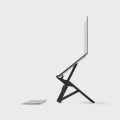
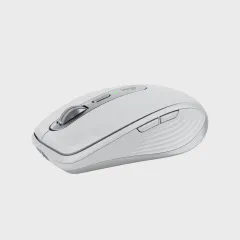
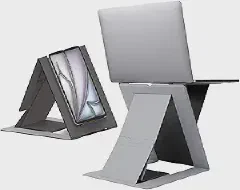
- 5+ day business trip, foldable laptop stand + travel mouse + split keyboard in an 8-minute hotel setup
- Trigger: 5+ day trip, hotel desk too small for full-size peripherals
- For: Business travelers working from hotel desks
- Pairs with: home-office, tech-portable
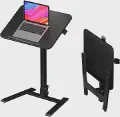
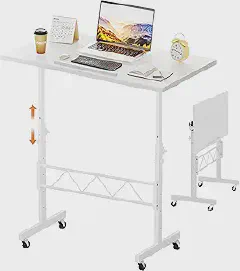
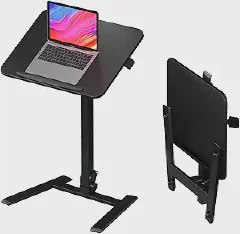
- Daily remote work, sit-stand converter + lumbar cushion + footrest in a $150 home-office upgrade
- Trigger: Year-round, 30+ hours/week remote, persistent back pain
- For: Remote workers with daily back strain
- Pairs with: wellness, home-office
The portable ergonomics playbook
- The 90-90-90 rule. Elbows, hips, and knees each at 90° when seated. Feet flat, thighs parallel, screen at eye level (top of screen 2-3" below eye line). For laptop work, a 6-8" riser + external keyboard gets you there; without it, you’re hunched over (neck pain) or leaning back (lower-back pain). It’s the cheapest posture fix on the market — $25 laptop stand, $0 keyboard.
- For arthritic joints. Reduce grip force with vertical mice (Logitech Lift), spring-loaded scissors, larger-barrel pens. Avoid prolonged static positions — sit-stand converter beats any single posture. Soft-touch surfaces: silicone keyboard covers, gel mouse pads with wrist rest. Keep hands warm (USB hand warmers in winter) since cold worsens symptoms.
- The 5 categories to install. (1) Posture (laptop stand + external keyboard + lumbar roll). (2) Vision (monitor at arm’s length, blue-light glasses, 20-20-20 rule). (3) Reach (footrest if chair is too tall). (4) Grip (vertical mouse, ergonomic keyboard). (5) Repetition (Stretchly app, task variety). Match the workstation to the person, not the other way around.
- Carrying a laptop. Backpack > shoulder bag > briefcase. Choose a backpack with padded laptop sleeve (15-17"), wide contoured straps, hip belt for loads >10 lb. Avoid single-strap messenger bags — they pull one shoulder down, causing thoracic asymmetry over time. Alternate sides daily if you must use a shoulder bag; keep weight under 8 lb.